
File Metadata Viewer
File Metadata Viewer is for view hidden file details. It keeps the page focused on that one job, so you can check the details report without opening a larger app.
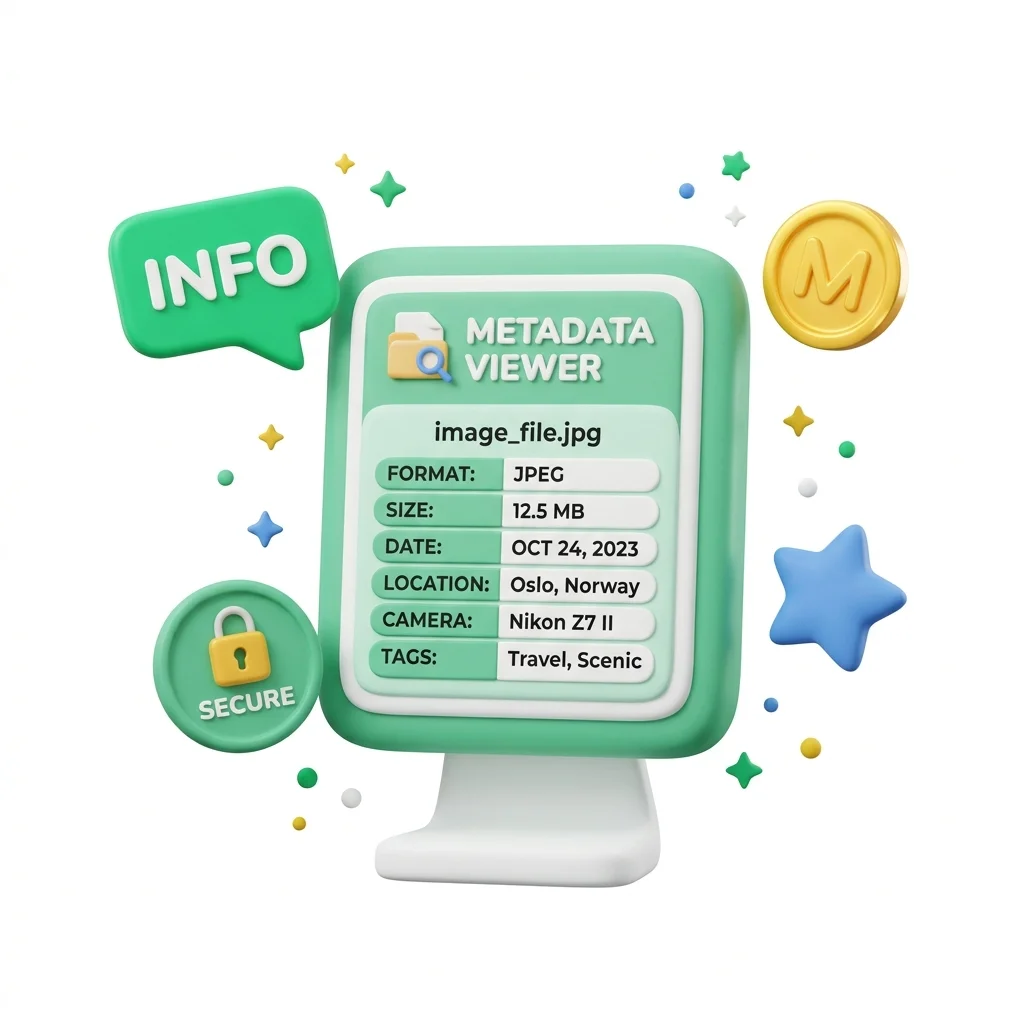
View Photo file details & EXIF Data Online
File Metadata Viewer is for view hidden file details. It keeps the page focused on that one job, so you can check the details report without opening a larger app.
How to Use This Tool
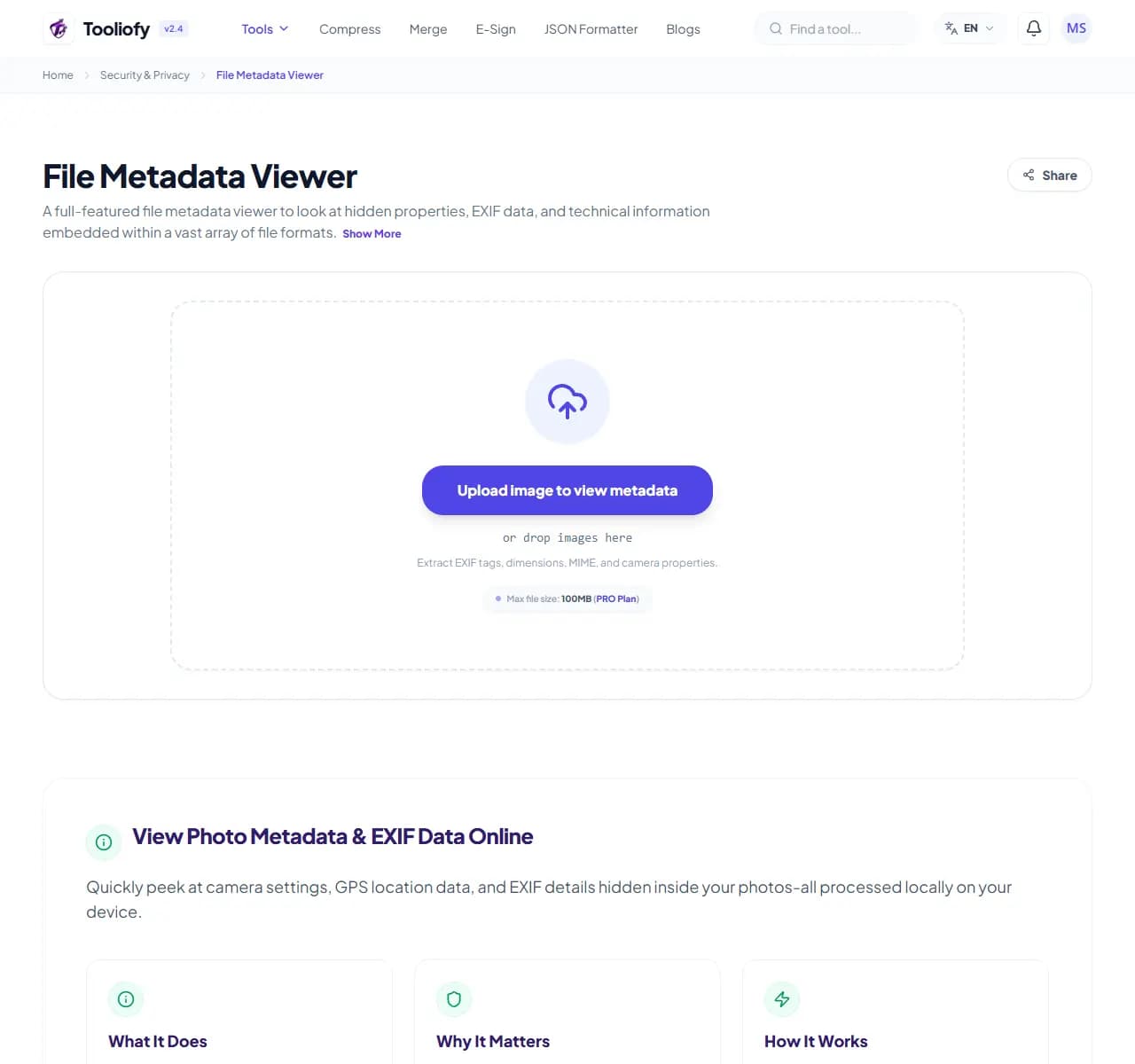
1. Select File
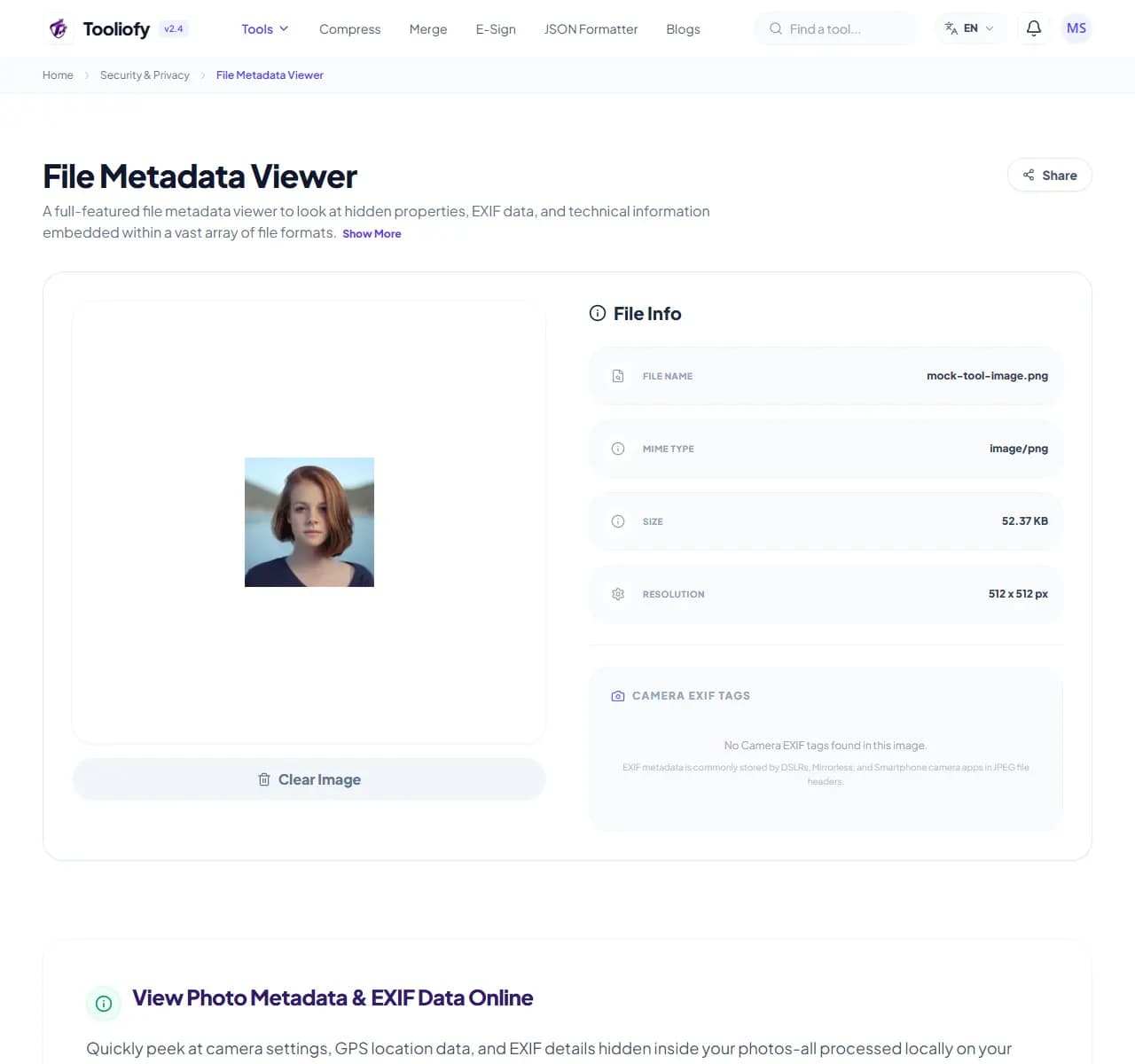
2. Processing
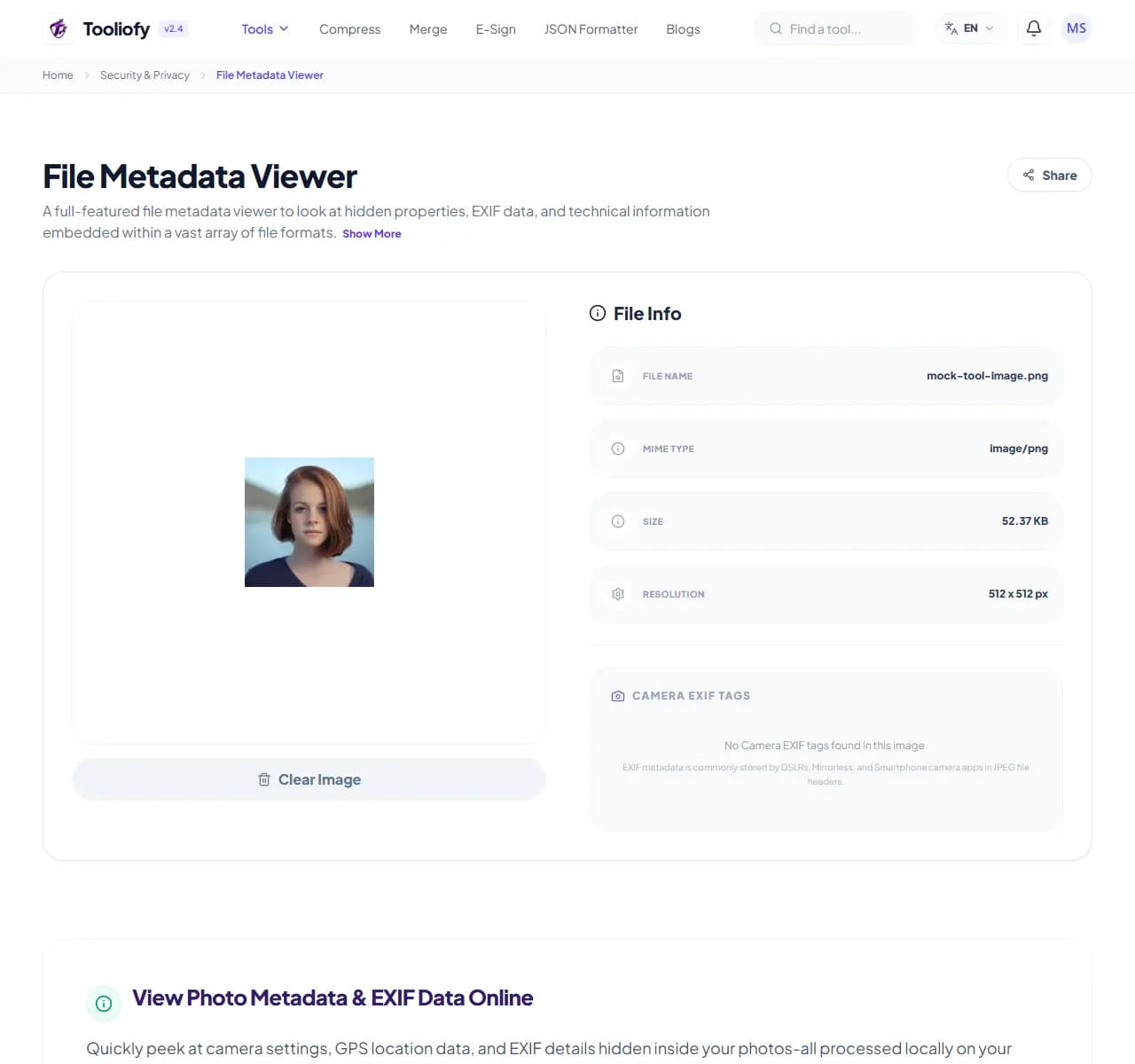
3. Download File
What File Metadata Viewer protects or checks
File Metadata Viewer is built to inspect file metadata. The controls stay close to the result, so work like how to check the GPS coordinates of your photos is quick to review.
Why privacy matters here
Files can carry hidden details that are worth checking before sharing. File Metadata Viewer gives you a quick way to handle that before you share, publish, or move on.
How the security task runs
File Metadata Viewer handles the step to inspect file metadata with the value or file you provide, then shows the result clearly for careful copying or checking.
File Metadata Viewer notes worth checking
Before using File Metadata Viewer, decide what a good result should look like. For inspecting file metadata, one careful output check is better than a blind download.
Good fit
How to check the GPS coordinates of your photos. View exact dimensions and color profiles. File Metadata Viewer works with *.
Not the right fit
You do not own the file, link, or data being checked. You think encoding is the same thing as encryption.
What people often miss
Treating a hash as a way to hide private data. Using real credentials for a quick test.
Last look
Verify the output before sharing it. Clear copied sensitive text from your clipboard when finished. Check the input for secrets.
Supported Formats
Security tasks it helps with
- How to check the GPS coordinates of your photos
- Check camera gear and exposure details
- View exact dimensions and color profiles
- Clean up file details before you post
Privacy and safety benefits
- Quick file details extraction
- In-depth EXIF and GPS insights
- Privacy-first file details removal
- Completely free, with no sign-ups required
Security options included
- Quickly read EXIF and hidden file details
- See exactly where a photo was taken
- Check camera gear, lens info, and exposure settings
- View file properties and color profiles
- Remove file details for better privacy
- Nothing is ever uploaded to a server
"File Metadata Viewer keeps inspecting file metadata manageable: make the change, check the result, and keep the original if the file matters."

More Security & Privacy
Password Generator
Password Generator helps when the next step is simple: create a ready-to-use output from selected settings. It is built for quick fixes, checks, and downloads.
QR Code Generator
QR Code Generator helps when the next step is simple: create a ready-to-use output from selected settings. It is built for quick fixes, checks, and downloads.
QR Code Scanner
Use QR Code Scanner when you need to handle this qr code scanner task. Add the file or text, choose the option that matters, and review the finished result.
Barcode Generator
Open Barcode Generator when your settings needs one clear change. The tool keeps the process short and the generated result easy to inspect.
Favicon Generator
Use Favicon Generator when you need to create a ready-to-use output from selected settings. Add the settings, choose the option that matters, and review the generated result.
Random Number Generator
Random Number Generator helps when the next step is simple: create a ready-to-use output from selected settings. It is built for quick fixes, checks, and downloads.
Explore Other Categories
 19 Tools
PDF & Documents
Explore our pdf & documents and start processing your files securely.
 5 Tools
AI Tools
Explore our ai tools and start processing your files securely.
 58 Tools
Image Tools
Explore our image tools and start processing your files securely.
 24 Tools
Text Utilities
Explore our text utilities and start processing your files securely.
Can't find a specific tool?
We are constantly adding new features based on user feedback. Tell us what you need and we will implement it immediately!