
Why New Websites Fail to Rank on Google (And What Actually Fixes It)

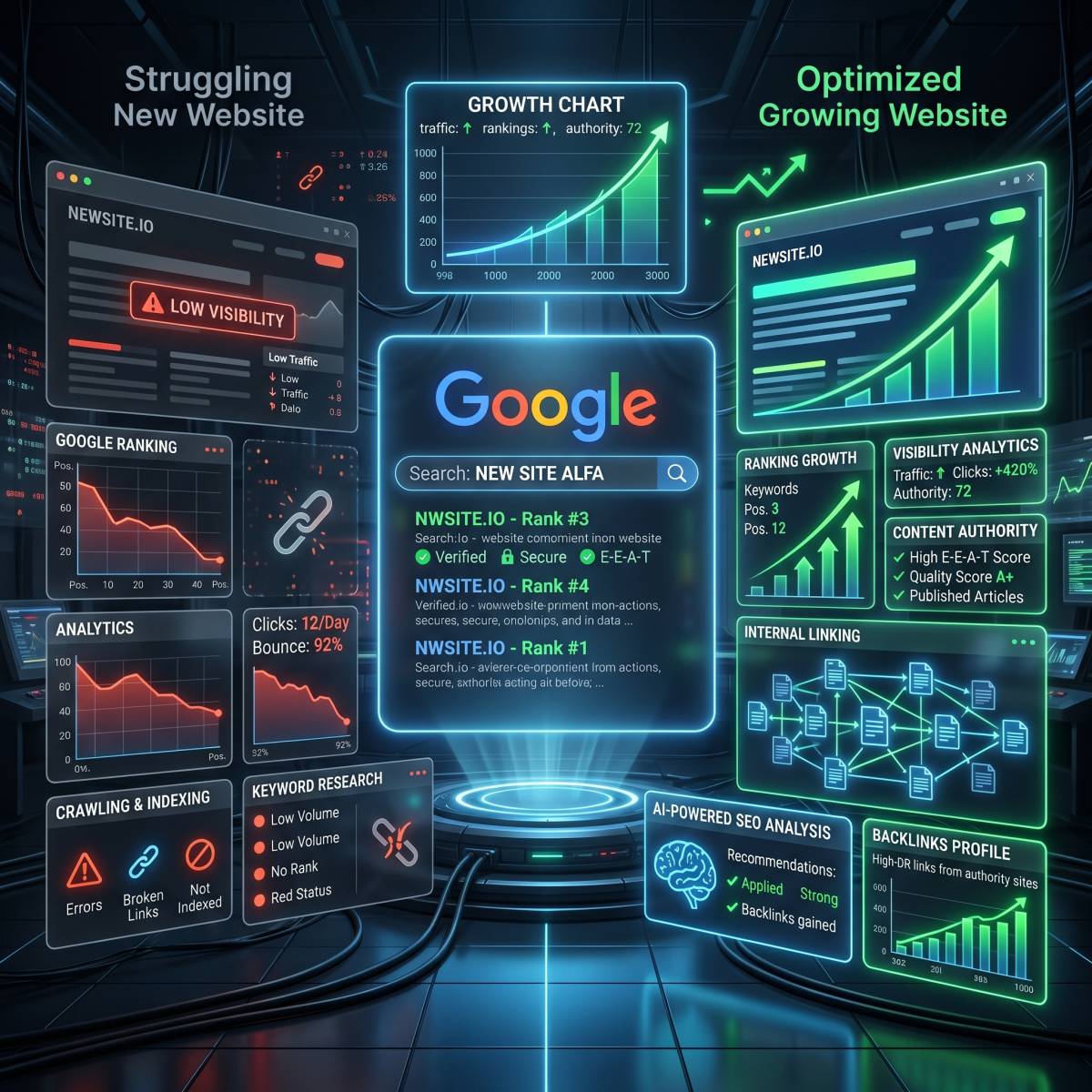
Why New Websites Often Struggle on Google
Launching a new website feels exciting until you check Google and cannot find your pages anywhere important. The site is live, the pages open correctly, the sitemap is submitted, and still the traffic is barely moving.
This is common. A new website can be technically crawlable and still fail to rank. Google may know the page exists, but that does not mean it has enough reason to show it above older, stronger, more trusted pages.
Most new websites do not fail because of one single issue. They usually struggle because of a mix of weak content, low trust, poor internal linking, unclear search intent, and not enough topic depth.
Indexing and Ranking Are Not the Same
The first thing to understand is the difference between being indexed and being ranked.
- Indexing means Google has discovered the page and may store it in its search index.
- Ranking means Google decides the page deserves to appear for a search query.
A page can be indexed but still get no traffic. It can also be crawled but not indexed if Google thinks the content is thin, duplicate, low quality, or not useful enough compared with other pages.
So if a new page is not ranking, do not only ask “Can Google crawl it?” Also ask “Why would Google choose this page over what already exists?”
1. Google Does Not Trust New Websites Immediately
New domains usually start with very little trust. Google has not seen how users respond to the site, how often it publishes useful content, whether other websites mention it, or whether the pages stay maintained over time.
This does not mean a new site is being punished. It simply means Google needs more evidence before giving it visibility in competitive searches.
Trust grows when your website consistently publishes useful pages, earns links or mentions, keeps content updated, and gives users a good experience.
2. Thin Content Makes Ranking Much Harder
Thin content is one of the most common reasons new websites fail to rank. A page with 200 words may be technically fine, but it often does not answer the topic deeply enough to compete.
Thin content is not only about word count. A 1,500-word page can still be thin if it says the same generic things everyone else says. Google needs to see real usefulness.
Good content should include:
- Clear explanations
- Examples
- Step-by-step guidance
- Original observations
- Helpful internal links
- Answers to related questions
Before publishing, check whether the page would genuinely help someone finish a task or make a decision.
3. The Content Sounds Too Generic
Many new websites publish articles that sound polished but not specific. The writing may be grammatically correct, but it feels like a summary of common advice.
Generic content usually has signs like:
- Broad statements without examples
- Repeated phrases like “boost productivity” or “improve your workflow”
- No screenshots, data, comparisons, or personal experience
- No clear opinion or recommendation
- Very similar sections to other articles already ranking
To improve this, add real context. Mention what you tested, what you noticed, what mistakes beginners make, what you would fix first, and where a tool actually fits into the workflow.
4. Search Intent Does Not Match the Page
Search intent means what the searcher actually wants. If someone searches “why is my website not ranking,” they probably want diagnosis and fixes. If your page mostly promotes your product, it may miss the intent.
Before writing, look at the top-ranking pages for the topic. Are they tutorials, lists, comparisons, definitions, checklists, or troubleshooting guides?
Your page should match the intent, then add something better. That could be clearer steps, a better checklist, examples for beginners, or a more practical explanation.
5. The Website Has No Topical Authority Yet
Google is more likely to trust a website that covers a subject in depth. One article about SEO will not make a site look like an SEO resource. A cluster of related pages is stronger.
For example, instead of publishing one article about ranking problems, a site can build a small SEO cluster:
- Why new websites fail to rank
- How to submit a sitemap
- How to write better meta descriptions
- How to fix crawled but not indexed pages
- How to check robots.txt and noindex tags
- How to improve internal linking
These pages support each other. Internal links between them help both users and search engines understand the topic structure.
6. Internal Linking Is Too Weak
Internal links help Google discover pages and understand which pages are important. Many new websites publish articles but leave them isolated, with only one link from the blog listing page.
A stronger internal linking setup includes:
- Links from related blog posts
- Links from category pages
- Links from tool or product pages where relevant
- Descriptive anchor text
- A clear path from important pages to supporting pages
For example, an article about SEO issues can naturally link to a SEO Audit Tool, a Sitemap Validator, or a Robots.txt Validator when those tools help the reader check the problem.
7. There Are No External Trust Signals
Backlinks are not the only SEO factor, but they still matter. A new site with no links, no mentions, and no brand searches has fewer trust signals than older competitors.
You do not need spammy link building. In fact, that can hurt. Better options include:
- Publishing genuinely useful resources people may reference
- Sharing tools or guides in relevant communities
- Creating comparison pages or data-based posts
- Getting listed in useful directories or resource pages
- Building partnerships with related websites
Google’s own documentation explains that search systems look at many signals to understand relevance and quality. You can read the basics in Google Search Central.
8. Technical SEO Is Only the Foundation
Technical SEO matters. Your site should load fast, work on mobile, use clean URLs, avoid noindex mistakes, and have a valid sitemap. But technical SEO alone does not guarantee rankings.
Think of technical SEO as eligibility. It helps Google access and understand your pages. After that, content quality, relevance, authority, and usefulness decide whether the page deserves visibility.
9. New Sites Often Target Keywords That Are Too Competitive
A new website usually should not start by targeting the hardest keywords in its niche. If the top results are large brands, old domains, or detailed guides with strong backlinks, it will be difficult to compete immediately.
Start with more specific long-tail topics. These searches may have lower volume, but they are easier to satisfy and often bring more qualified visitors.
For example, instead of targeting “SEO tools,” a new site might target “beginner SEO checks without technical knowledge” or “how to check if a page is blocked by robots.txt.”
What Actually Helps a New Website Rank?
The fix is not one trick. It is a consistent process.
- Publish fewer but better articles.
- Expand thin pages into useful guides.
- Build topic clusters instead of random posts.
- Add internal links between related pages.
- Use real examples, screenshots, and checklists.
- Improve page speed and mobile usability.
- Submit a clean sitemap in Google Search Console.
- Update old posts instead of only publishing new ones.
- Earn real mentions and backlinks over time.
Realistic Timeline for a New Website
Some pages can rank quickly for low-competition searches, but most new websites need time. A realistic timeline is often:
- First few weeks: Google discovers and crawls the site.
- 1-3 months: Some pages may start appearing for long-tail searches.
- 3-6 months: Better pages may begin gaining impressions and clicks.
- 6-12 months: Rankings become more stable if the site keeps improving.
This varies by niche, competition, content quality, and how much trust the site earns.
Conclusion
If your new website is not ranking yet, it does not always mean something is broken. It may simply mean Google needs stronger reasons to trust and show your pages.
Start by making sure your site is crawlable and technically clean. Then focus on the harder part: better content, clearer search intent, stronger internal links, and real trust signals. That is what helps a new website move from “Google knows this page exists” to “this page deserves to rank.”
Start using our Tools today
Experience the privacy and performance mentioned in this article. No account required.
Explore all 150+ Tools