Essential Image Optimization Tips for Faster Websites

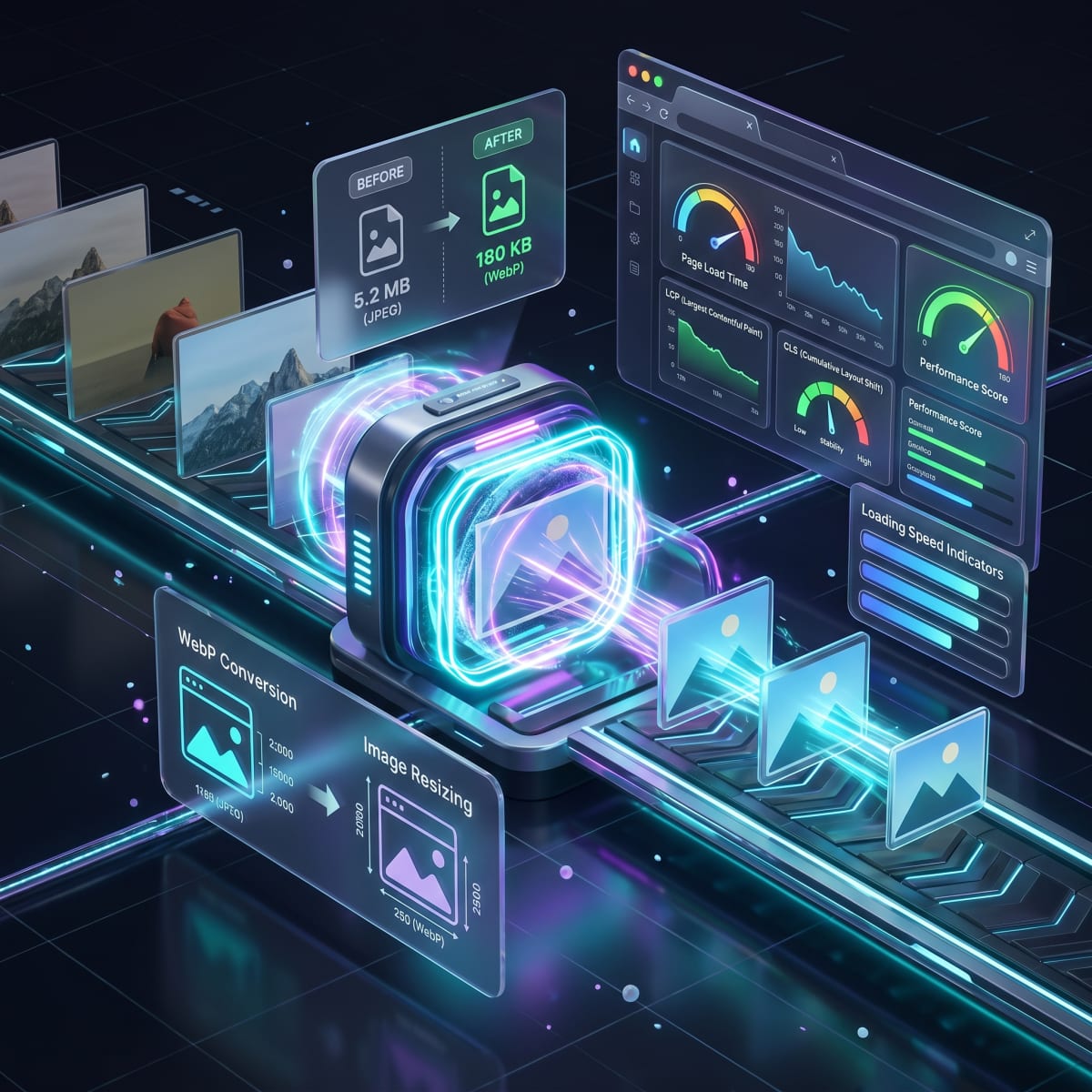
Essential Image Optimization Tips for Faster Websites
Images often account for the largest portion of a webpage’s size. Poorly optimized images can slow down websites, increase bounce rates, and negatively impact search engine rankings.
Why Image Optimization Matters
- Faster page load times
- Better user experience
- Improved Core Web Vitals
- Lower bandwidth usage
Optimizing images does not require advanced design skills. Simple browser-based image tools can handle most tasks.
Compress Images Without Losing Quality
Large image files slow down websites significantly. Compression reduces file size while maintaining visual clarity.
The Image Compressor is ideal for blog images, landing pages, and product photos. Compressed images load faster and consume less data.
Resize Images to the Correct Dimensions
Uploading oversized images and resizing them using CSS wastes resources. Always resize images before uploading.
Use the Image Resizer to match exact dimensions for websites, social media, or email banners.
Choose the Right Image Format
Different formats serve different purposes:
- JPG – Best for photos
- PNG – Ideal for transparency
- WebP – Smaller size with good quality
Tooliofy’s format converters like the WebP Converter and PNG Converter make switching formats easy.
Final Optimization Checklist
- Compress before upload
- Resize to exact dimensions
- Use modern formats when possible
By following these steps and using the right tools from Tooliofy, you can significantly improve website performance without technical complexity.
Börja använda våra verktyg idag
Upplev integriteten och prestanda som nämns i den här artikeln. Inget konto krävs.
Utforska alla 150+ verktyg