WebP vs AVIF vs PNG vs JPG: The Complete Image Format Guide for 2026

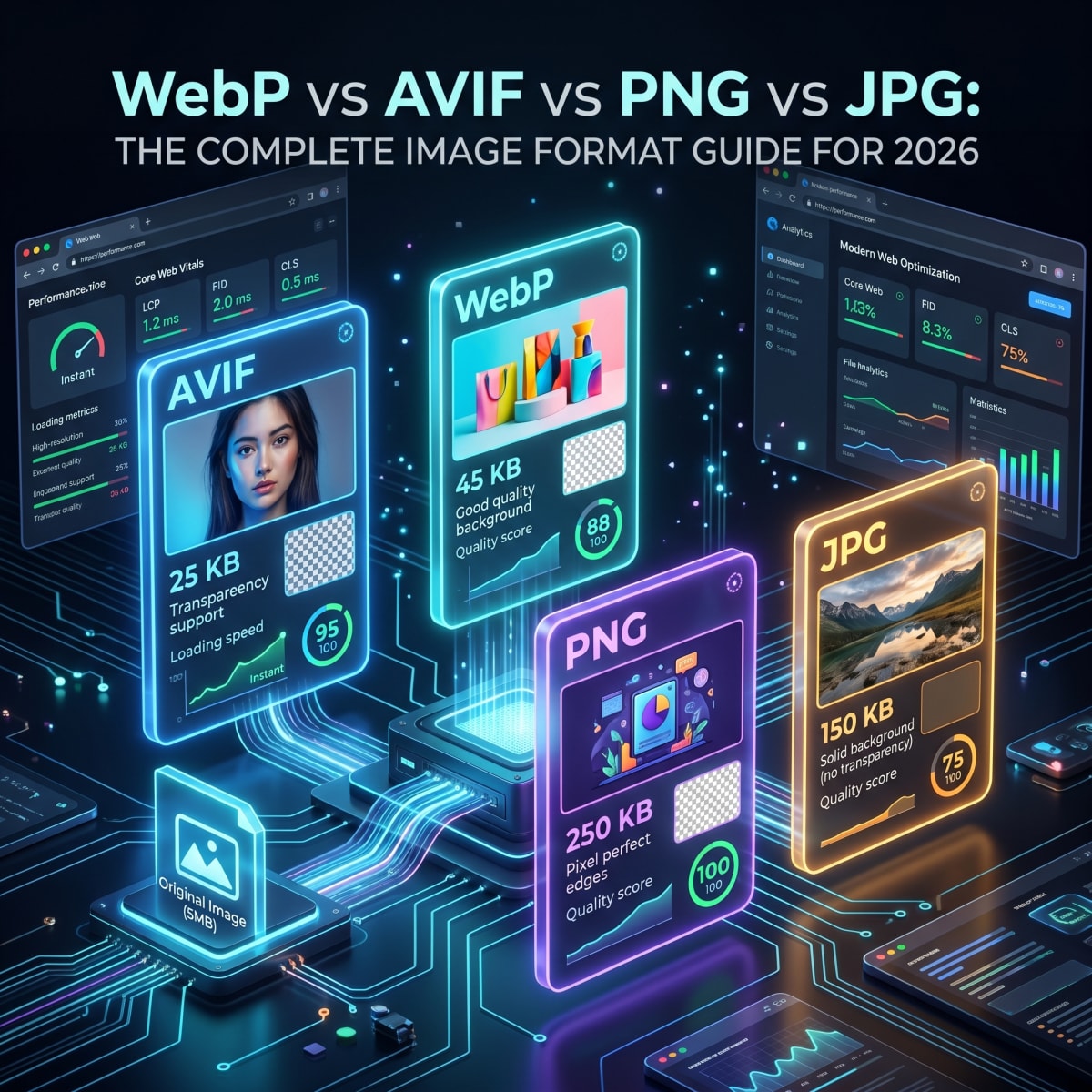
Choosing the Right Image Format Matters More Than Ever
Images make up over 50% of most web pages by file size. Choosing the wrong format means slower load times, poor search rankings, and frustrated visitors. Choosing the right one means faster pages, better SEO, and lower bandwidth costs.
In 2026, four formats dominate the web: JPG, PNG, WebP, and AVIF. Each has strengths and ideal use cases. This guide breaks down exactly when to use each one.
JPG (JPEG): The Universal Standard
Best For
- Photographs and camera images
- Social media posts and thumbnails
- Email attachments and document scans
Strengths
- Universal support: Every browser, device, and app reads JPG files
- Small file sizes for photos with adjustable quality
- Great for complex images with many colors and gradients
Weaknesses
- No transparency support
- Lossy compression means quality degrades with each edit and save
- Not ideal for text, logos, or sharp edges
Need to convert images to or from JPG? Use Tooliofy's JPG Converter.
PNG: The Transparency Champion
Best For
- Logos, icons, and brand graphics
- Screenshots and UI elements
- Images that need transparent backgrounds
Strengths
- Lossless compression: No quality loss, ever
- Full transparency (alpha channel) support
- Sharp edges on text and geometric shapes
Weaknesses
- Much larger file sizes than JPG for photos
- Not efficient for full-color photographs
Convert between PNG and other formats with Tooliofy's PNG Converter.
WebP: The Modern All-Rounder
Best For
- Website images (blogs, e-commerce, landing pages)
- Replacing both JPG and PNG on the web
- Any situation where file size matters
Strengths
- 25 to 35% smaller than JPG at the same visual quality
- Supports both lossy and lossless compression
- Transparency support like PNG but with smaller files
- Animation support as a GIF replacement
Weaknesses
- Some older image editing software does not support it
- Email clients may not display WebP images inline
WebP is now supported by all major browsers including Chrome, Firefox, Safari, and Edge. Convert your images to WebP with Tooliofy's WebP Converter.
AVIF: The Next Generation Format
Best For
- Maximum compression with high visual quality
- Modern websites targeting performance scores
- High-resolution photography on the web
Strengths
- Up to 50% smaller than JPG at equivalent quality
- Better compression than WebP in most cases
- HDR and wide color gamut support
- Transparency and animation support
Weaknesses
- Slower encoding/decoding compared to WebP
- Not yet supported by every tool and platform
- Some older browsers may not render it
Try the future of image formats with Tooliofy's AVIF Converter.
Quick Comparison Table
| Feature | JPG | PNG | WebP | AVIF |
|---|---|---|---|---|
| File Size (Photos) | Medium | Large | Small | Smallest |
| Transparency | No | Yes | Yes | Yes |
| Lossless Mode | No | Yes | Yes | Yes |
| Animation | No | No | Yes | Yes |
| Browser Support | 100% | 100% | 97%+ | 93%+ |
| Best Use | Photos | Logos | Web images | Performance |
Which Format Should You Use?
Here is a simple decision guide:
- Sharing photos via email or chat? Use JPG. It is universally compatible.
- Creating a logo or icon with transparency? Use PNG for maximum clarity.
- Optimizing images for your website? Use WebP. It gives you the best balance of quality and size.
- Pushing for the absolute smallest file size? Use AVIF if your audience uses modern browsers.
How to Convert Between Formats
Switching between image formats is simple with the right tools. Tooliofy offers dedicated converters for every format:
- JPG Converter: Convert JPG to PNG, WebP, AVIF, and more
- PNG Converter: Convert PNG to JPG, WebP, BMP, and more
- WebP Converter: Convert WebP to JPG, PNG, or other formats
- AVIF Converter: Convert AVIF to widely compatible formats
- Universal Image Converter: Convert between 50+ image formats
Do Not Forget to Compress
Converting to the right format is step one. Step two is compression. Even a WebP file can be unnecessarily large if it has not been optimized.
Use Tooliofy's Image Compressor to reduce file sizes without visible quality loss. It supports batch processing, so you can optimize dozens of images at once.
Start Optimizing Your Images Today
Better image formats mean faster websites, higher search rankings, and happier visitors. Pick the right format, compress it properly, and your pages will load in a fraction of the time.
Try the Universal Image Converter and start converting your images for free.
Araçlarımızı bugün kullanmaya başlayın
Bu makalede bahsedilen gizlilik ve performansı deneyimleyin. Hesap gerekmez.
150'den fazla Aracın tümünü keşfedin